Rogue Ops
Your field team's command centre. Schedule, dispatch, track, photograph, sign off — all from a phone.
Ops replaces your paper job cards, your WhatsApp scheduling, and your manual trip logs. Dispatch technicians from a drag-and-drop board. Track them with GPS. Let them capture photos, checklists, and customer signatures on site. Close out jobs and generate invoices automatically. Your office sees everything in real time.
Marcus T.
#A1B2C3
Johan V.
#D4E5F6
Sarah K.
#G7H8I9
Pieter L.
#J0K1L2
What Ops actually does
Every capability below is live in the app today — click any screenshot to expand it.
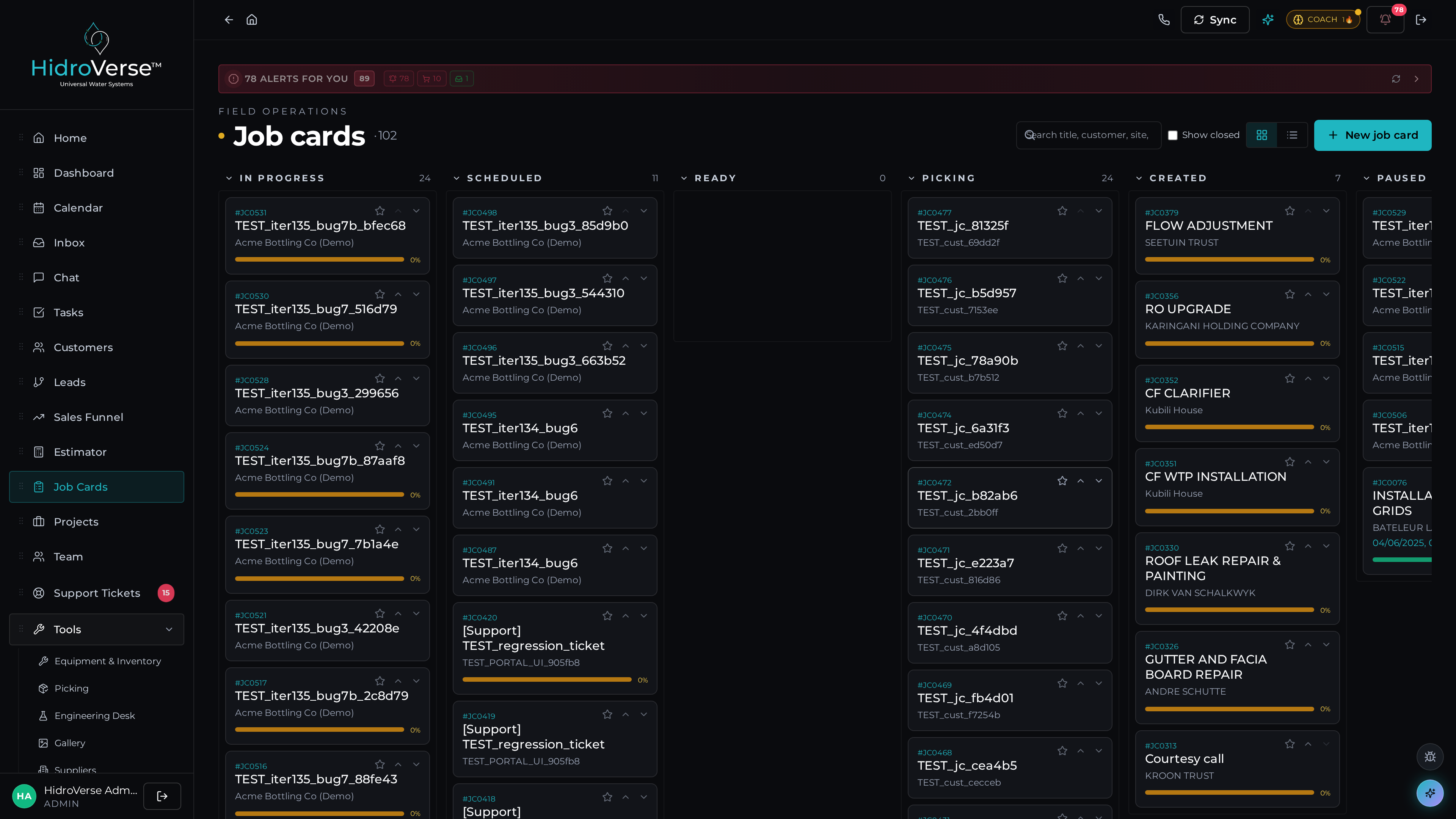
Digital job cards that replace your entire paper stack
Create job cards from templates, from leads, or from scratch. Assign to technicians, set priorities and SLAs, and track status in real time. Technicians complete jobs from their phones — capturing photos, filling checklists, adding notes, and collecting customer signatures before marking complete.
- Job card lifecycle: Draft → Scheduled → In Progress → Complete → Invoiced
- Photo capture with before/after comparison and auto-organisation
- Checklist templates per job type with completion tracking
- Customer digital signatures captured on mobile
- Document attachments (manuals, diagrams, safety sheets)
- Direct conversion from support tickets or sales leads
- Customer portal visibility — clients track their job in real time
From arrival to invoice — a guided flow your technicians actually follow
Every job card walks the technician through a structured completion sequence: clock-in (GPS-verified), site arrival, before-photos, checklist, work notes, after-photos, customer signature, and submit. Each step is required, time-stamped, and synced offline-first. The office sees real-time progress; the customer gets an automated update when the work is signed off.
- Step-by-step guided completion flow on mobile
- GPS-verified clock-in and site-arrival timestamps
- Before/after photo capture with auto-organisation
- Per-job-type checklists with mandatory items
- Voice-to-text work notes refined by Cerebrum
- Customer signature capture on-device
- Offline-first — syncs the second connectivity returns
- Auto-generates invoice the moment the job is submitted
Pump 14 — pressure-drop service
Acacia Farms · Site 14 · 14/02/2026 07:30
Completion flow · mobile
Tshepo M. · Field Tech
See exactly how long each job takes — and where the time really goes
Every clock-in, drive, on-site duration, and admin minute is tracked automatically. Compare actual time-on-site against quoted time. Spot technicians who are crushing it. Spot job types that are consistently underquoted. Cerebrum surfaces the patterns so you can re-estimate, re-train, or re-route accordingly.
- Time-per-job, time-per-job-type, time-per-technician analytics
- Quoted-vs-actual time variance with margin impact
- Drive time vs. on-site time breakdown
- Technician efficiency leaderboards (with anti-burnout flags)
- Cerebrum-flagged underquoted job types for re-pricing
- Weekly efficiency digest for ops managers
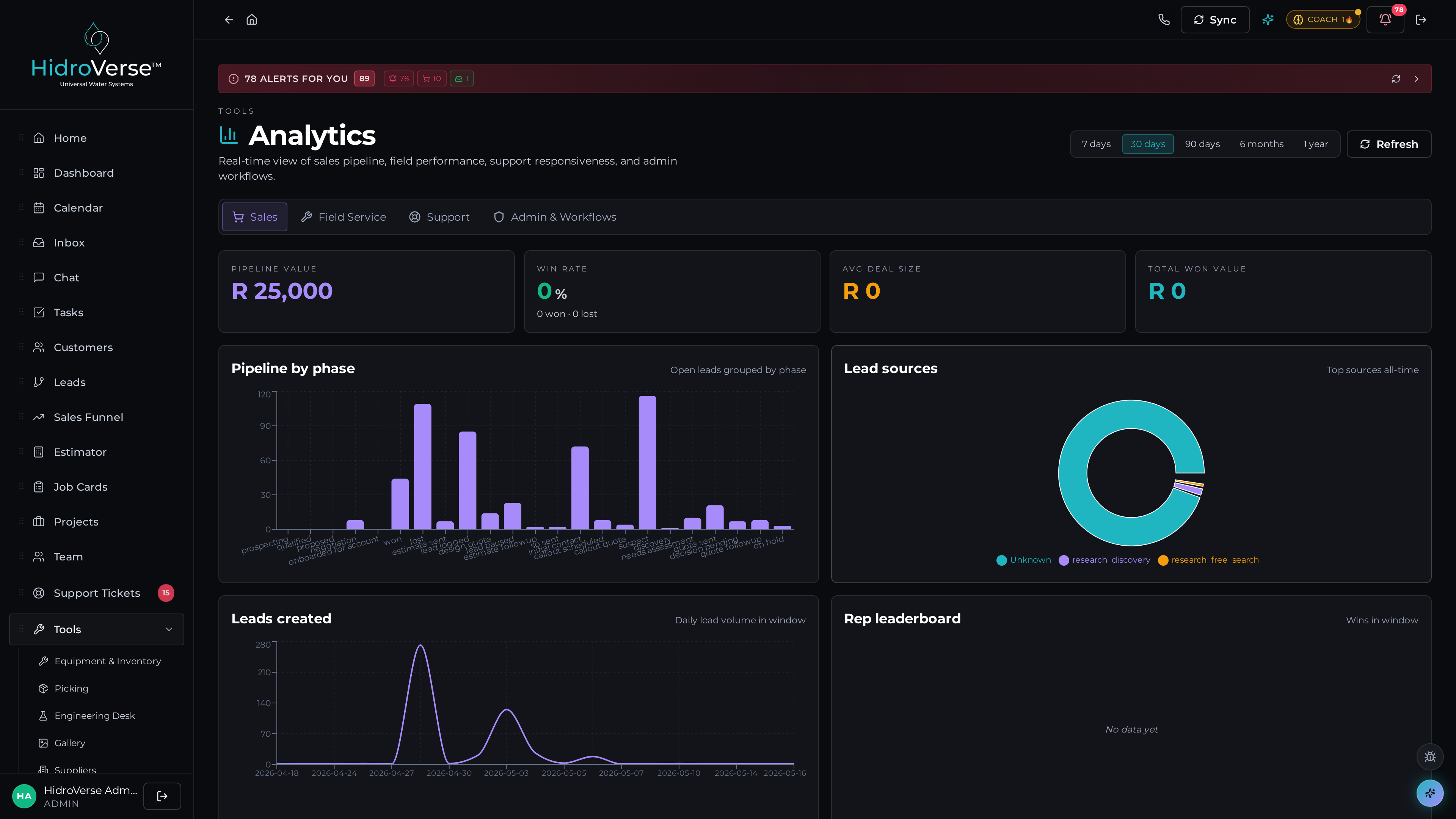
Drag-and-drop scheduling with conflict detection and workload balancing
See your entire team's week in one view. Drag jobs onto technician time slots. The scheduler flags conflicts, balances workloads, and syncs to each technician's mobile in real time. Google Calendar integration keeps everything aligned.
- Drag-and-drop weekly and monthly scheduling board
- Technician availability and workload balancing
- Conflict detection and overbooking alerts
- Google Calendar two-way sync
- Vehicle assignment and fleet conflict detection
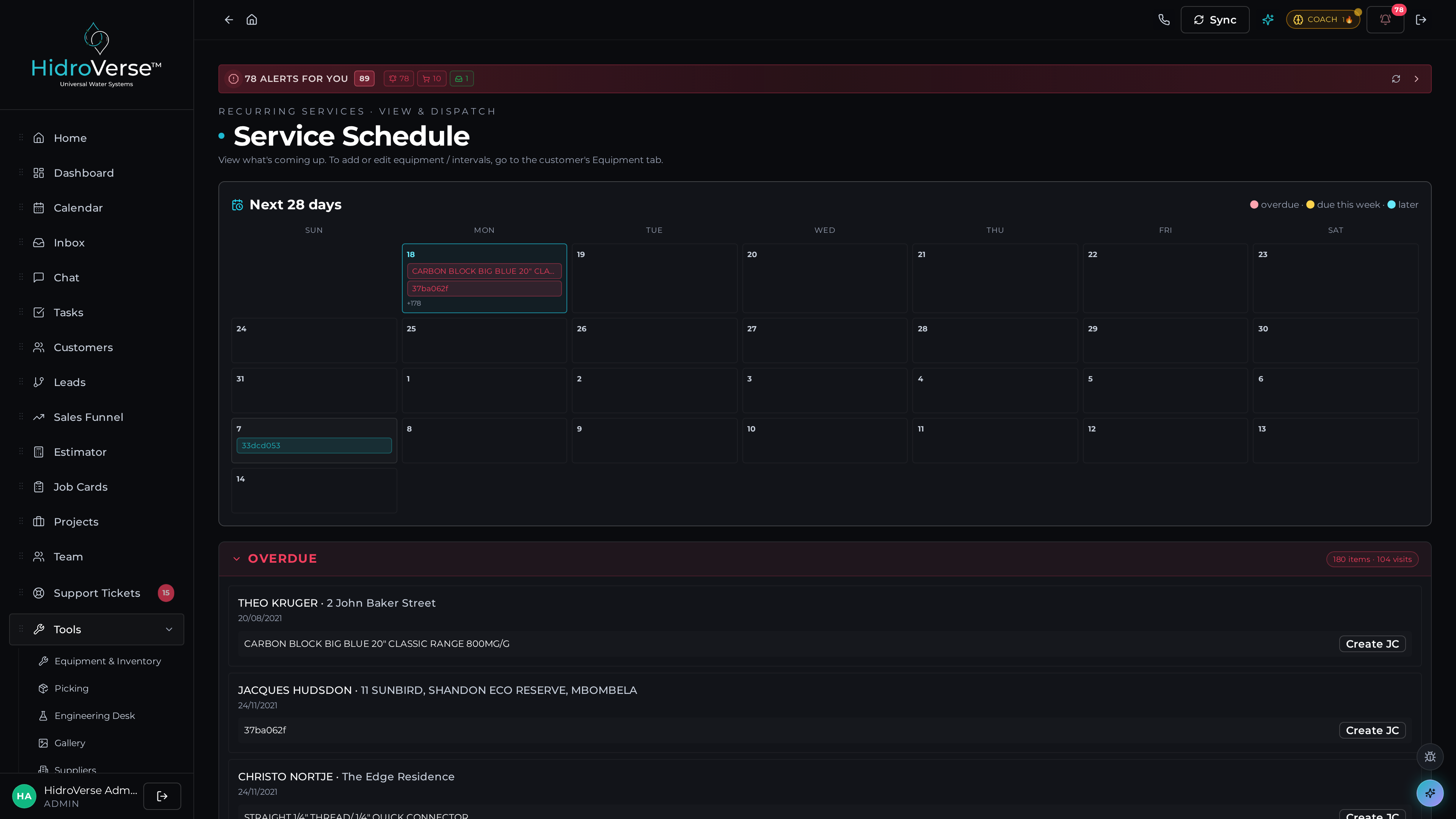
Track your field team in real time — navigate to any customer in one tap
Every clock-in, job arrival, and departure is GPS-stamped. Dispatchers see team locations on a live map. Technicians get one-tap navigation to customer addresses with verified coordinates from Google Places.
- GPS-verified clock-in and job arrival/departure
- Live team location map for dispatchers
- One-tap navigation to customer sites
- Address resolution via Google Places and Plus Codes
- Route history and drive time logging
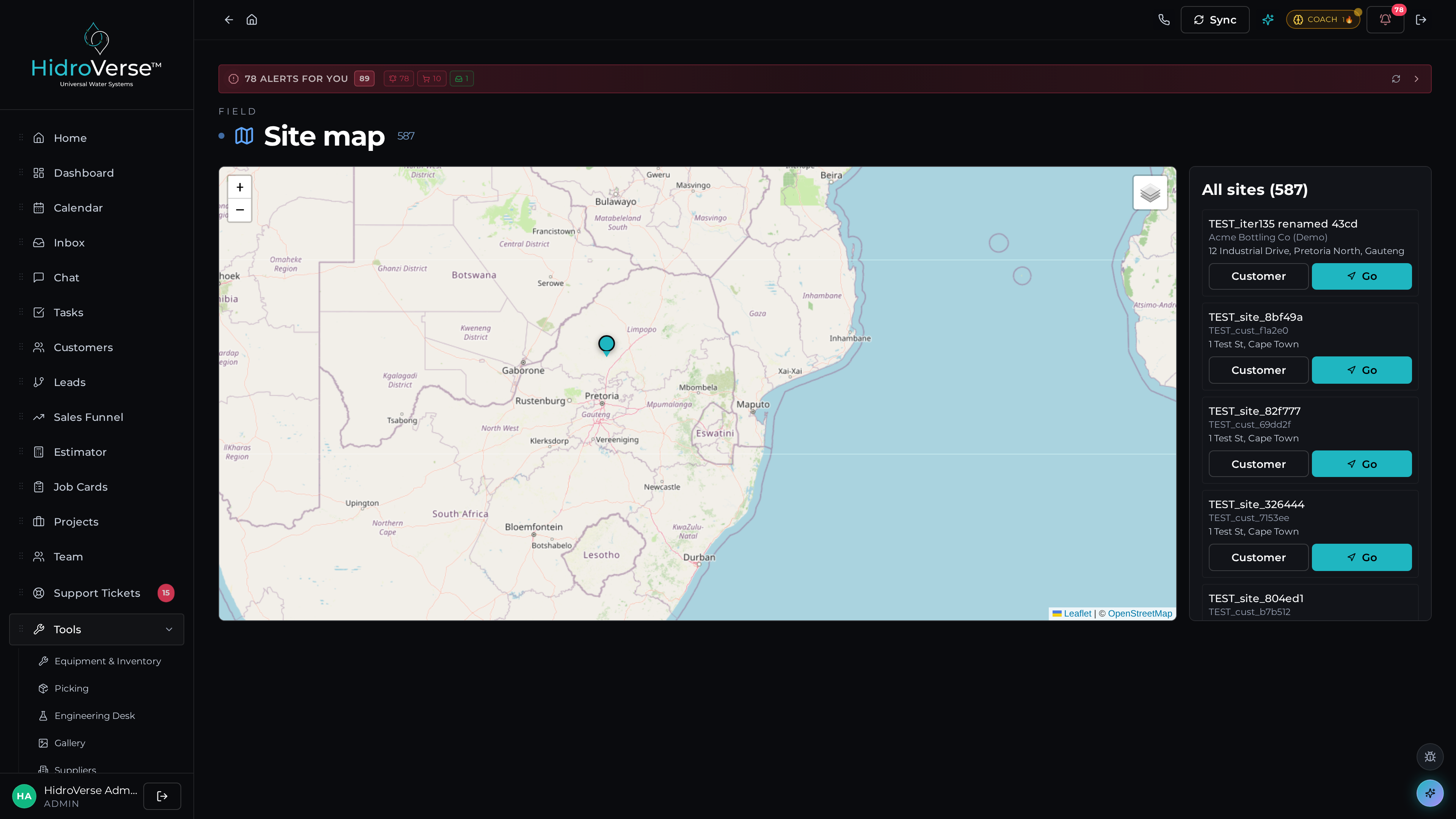
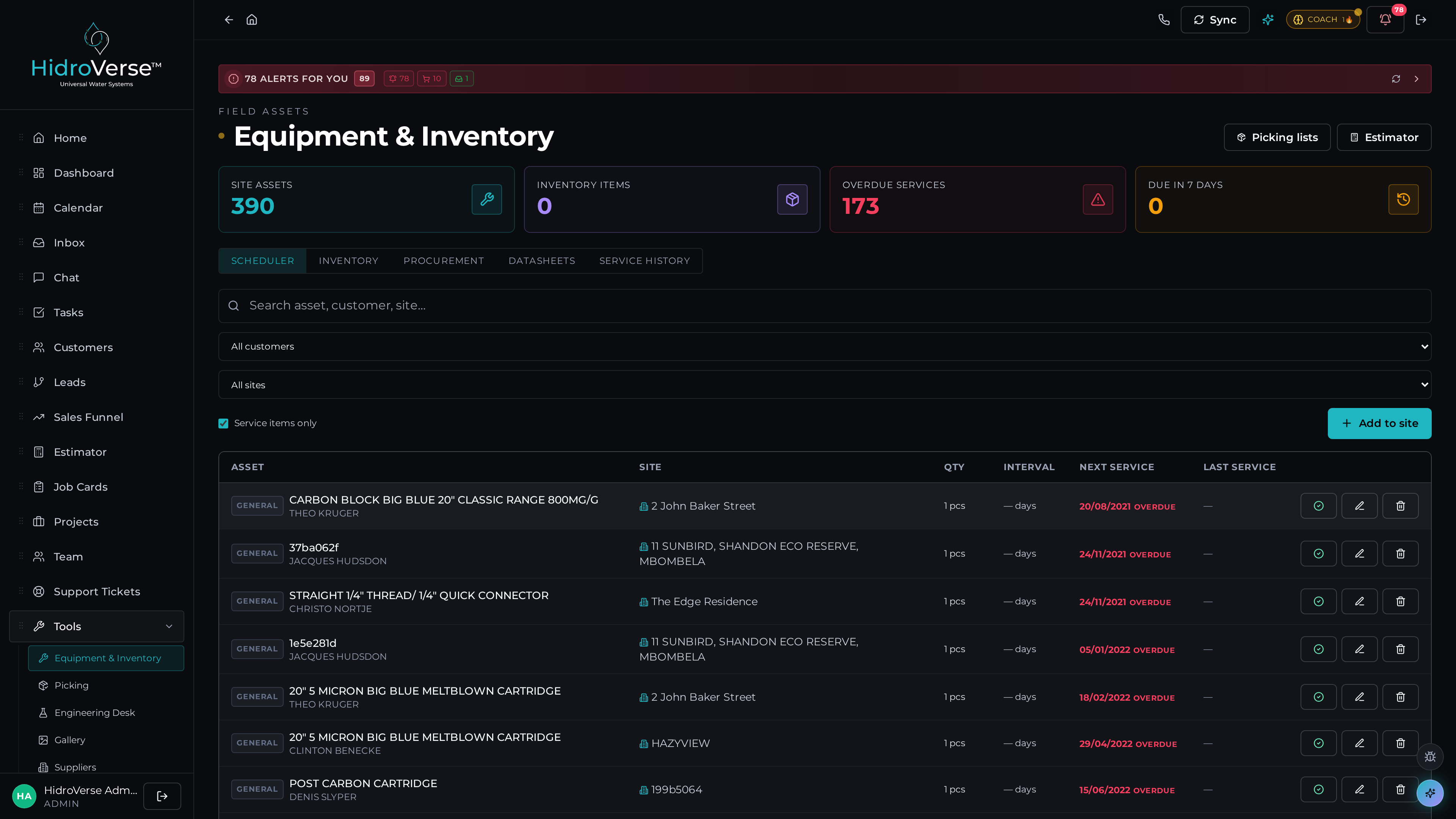
Track every asset — vehicles, tools, and serial-numbered parts
Maintain a complete asset register with serial numbers, photos, service history, and assignment tracking. Link equipment to job cards so you always know what went on site. Vehicle management with conflict detection prevents double-booking your fleet.
- Asset register with serial numbers, photos, and specifications
- Assignment tracking per technician with handover logs
- Service history and preventive maintenance scheduling
- Vehicle fleet management with availability tracking
- Vehicle-to-job conflict detection
- QR code scanning for instant asset lookups
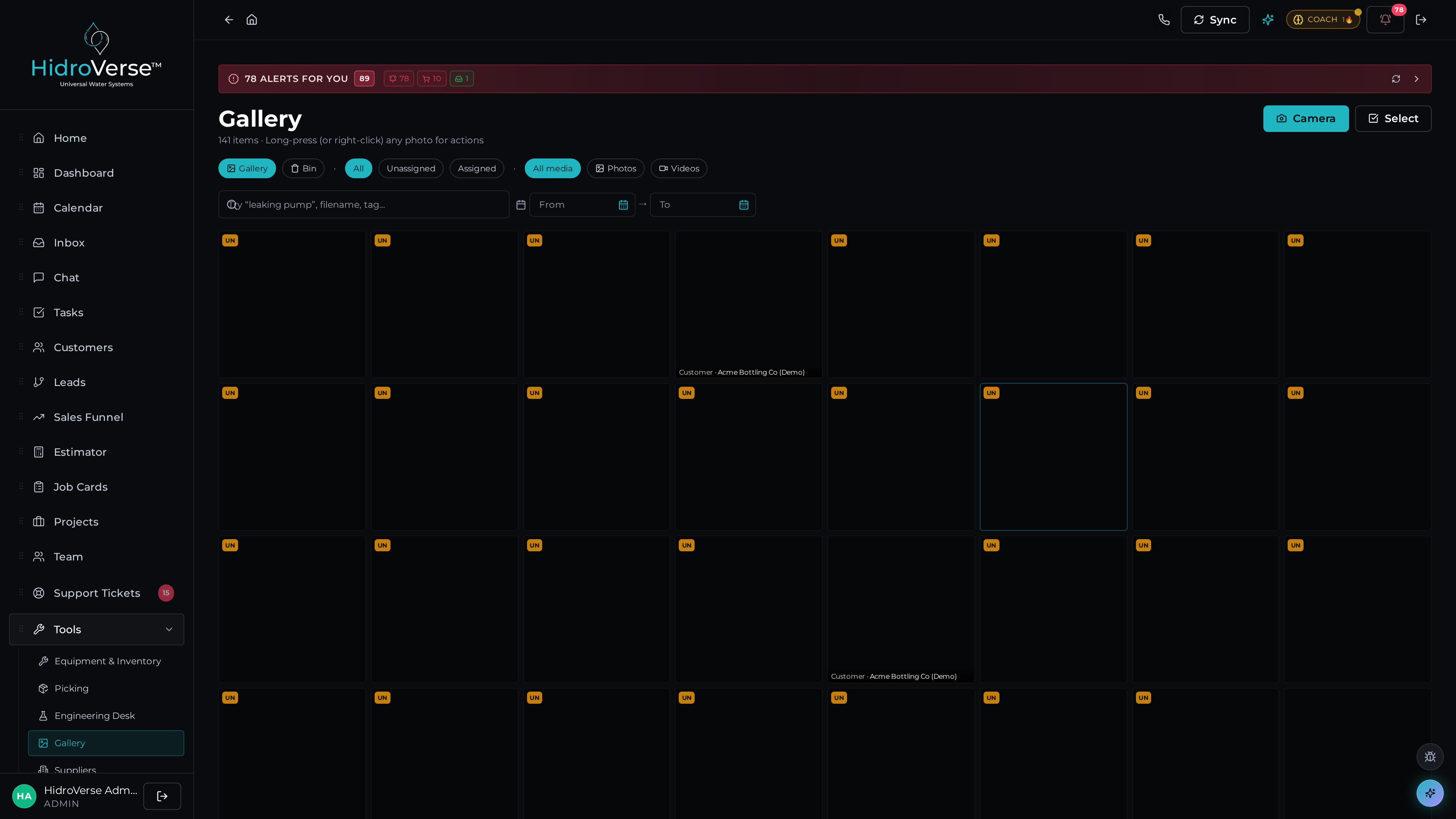
Every photo, every job, organised and searchable automatically
Photos taken on job cards are auto-organised by customer, job, and date. AI-powered image description makes every photo searchable by content. Create folders, share galleries via the customer portal, and generate proof-of-work reports with a click.
- Auto-organised by job card, customer, and date
- AI-powered image description and search (Vision API)
- Custom folders for site audits and inspections
- Customer portal sharing — clients see their job photos
- Bulk upload with offline sync from mobile
- Before/after photo comparison for quality assurance
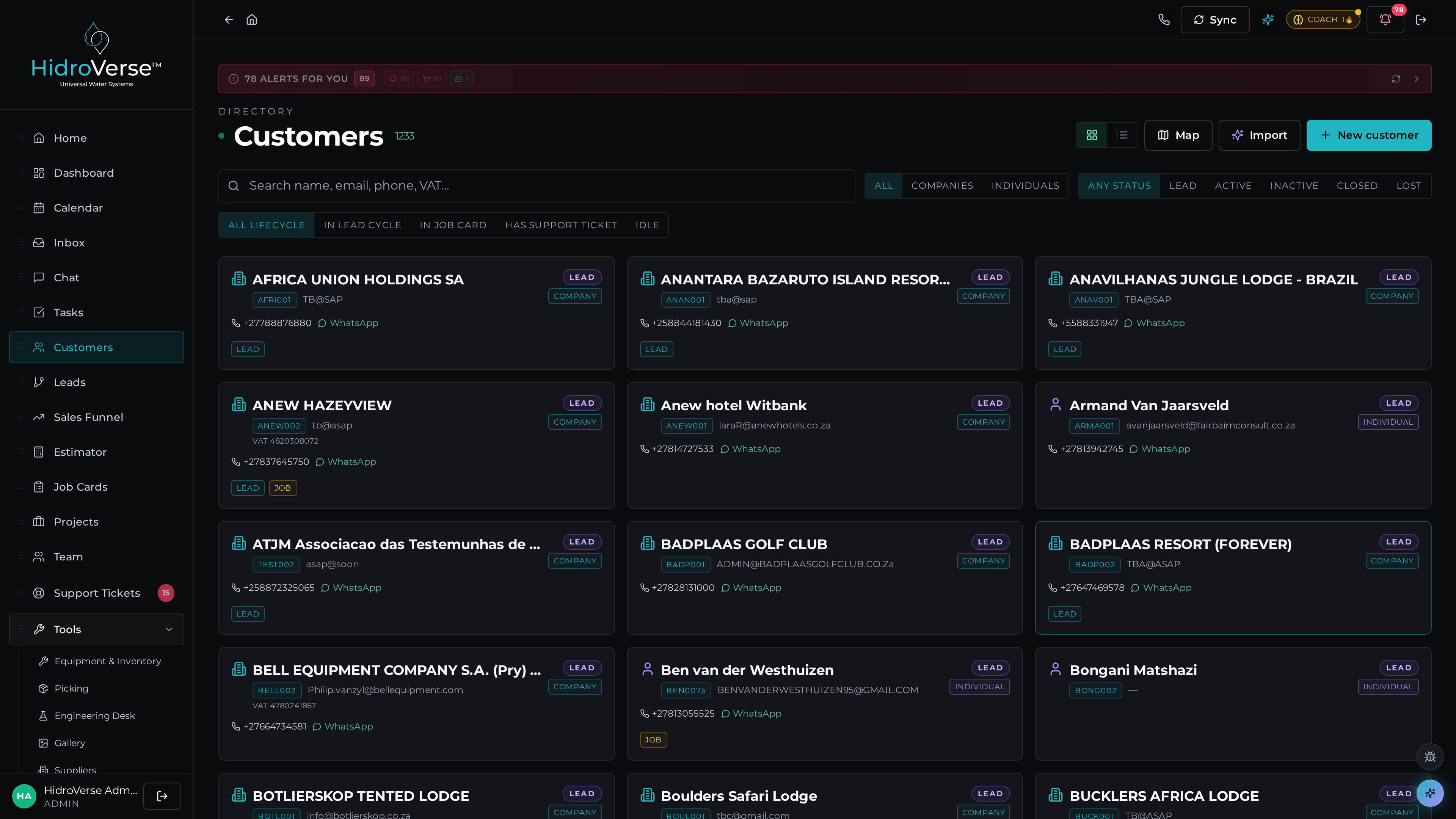
Multi-site customer management with GPS-verified addresses
Customers with multiple locations? Each site gets its own record with address, contacts, equipment, and job history. GPS-verified coordinates ensure your technicians never show up at the wrong gate.
- Multi-site management per customer
- GPS-verified addresses with coordinate resolution
- Site-specific equipment and maintenance history
- Site contacts and access instructions
Cerebrum AI inside Ops
Cerebrum reads job card notes and auto-suggests equipment needed for each job type. It flags scheduling conflicts before your team leaves the office, generates completion reports from photos and notes automatically, detects recurring issues across similar jobs, and drafts customer communications when jobs are completed or delayed.
Pricing for Ops
Per user/month, or get all 8 modules with the All Rogue package.
Starter
1–5 users
$ 9/user/mo
$ 5
per user/mo — first 3 months
Growth
6–15 users
$ 15/user/mo
$ 8
per user/mo — first 3 months
Business
16–50 users
$ 24/user/mo
$ 12
per user/mo — first 3 months